Keep original files.
Original evidence photos are preserved. Thumbnails and report display images are optimized separately.
 Evidence Locker
NOTES. ORIGINAL FILES. ONE CLEAR TIMELINE.
Organize dated notes, photos, messages and documents for parenting, unwanted contact, incidents and everyday records. Create a timeline you can share as PDF or Word.
14-day free trial for eligible new subscribers · Renews unless canceled
Then $14.99 USD/month or $129.99 USD/year
Android app + web portal
FEATURE SPOTLIGHT / CHILD EXCHANGES
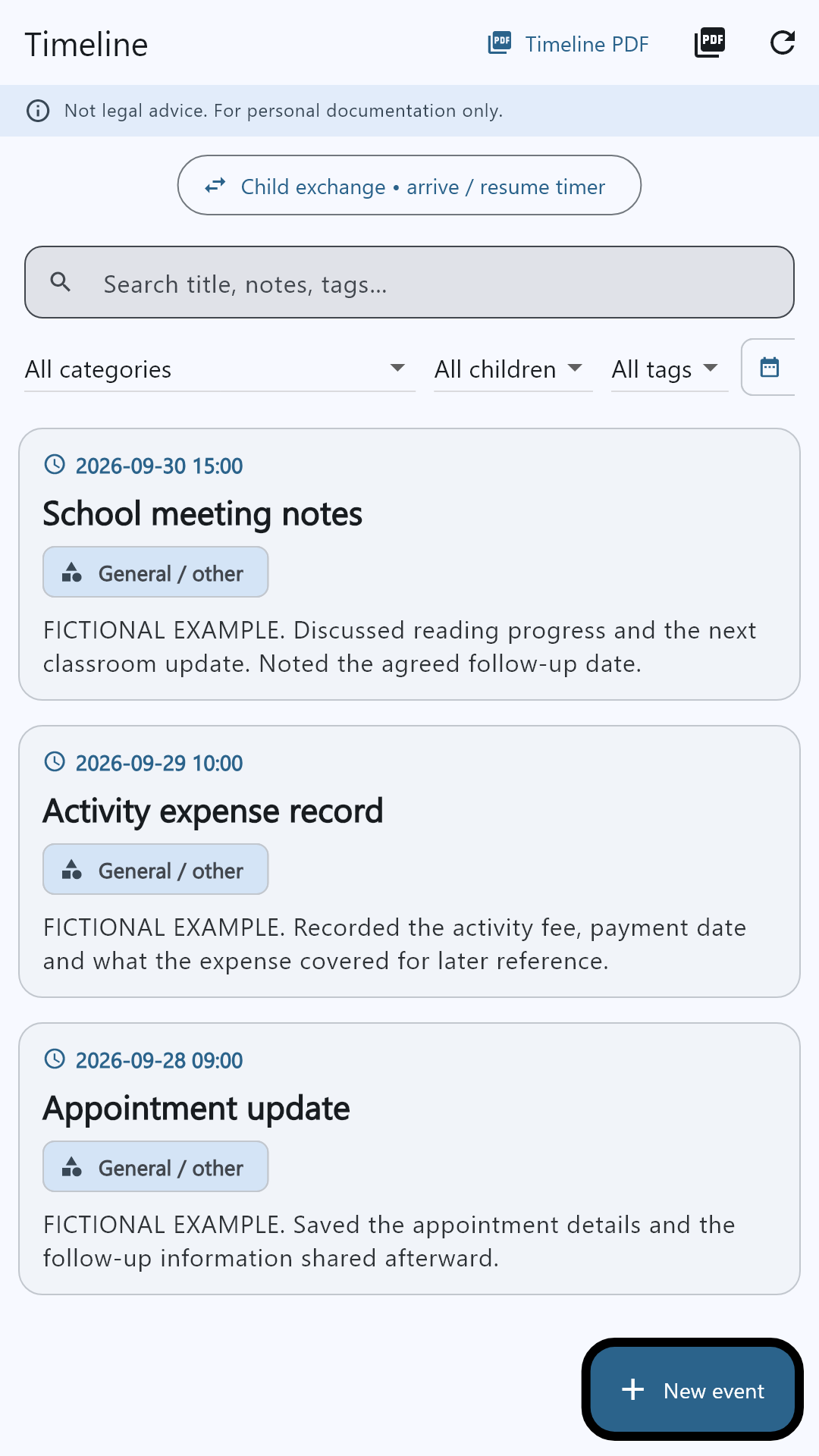
Record your arrival, keep notes while you wait, and save the outcome with your photos and files.
Start the timer. With permission and an available GPS fix, save your arrival location and capture time.
Write and save notes, take a photo or video, or attach selected gallery media and files.
Mark the exchange successful or document an issue. Keep the elapsed time, notes and attachments with your entry.
Use only when safe. GPS and device timestamps add context; they do not independently prove an event.
Get the app on Google Play ↗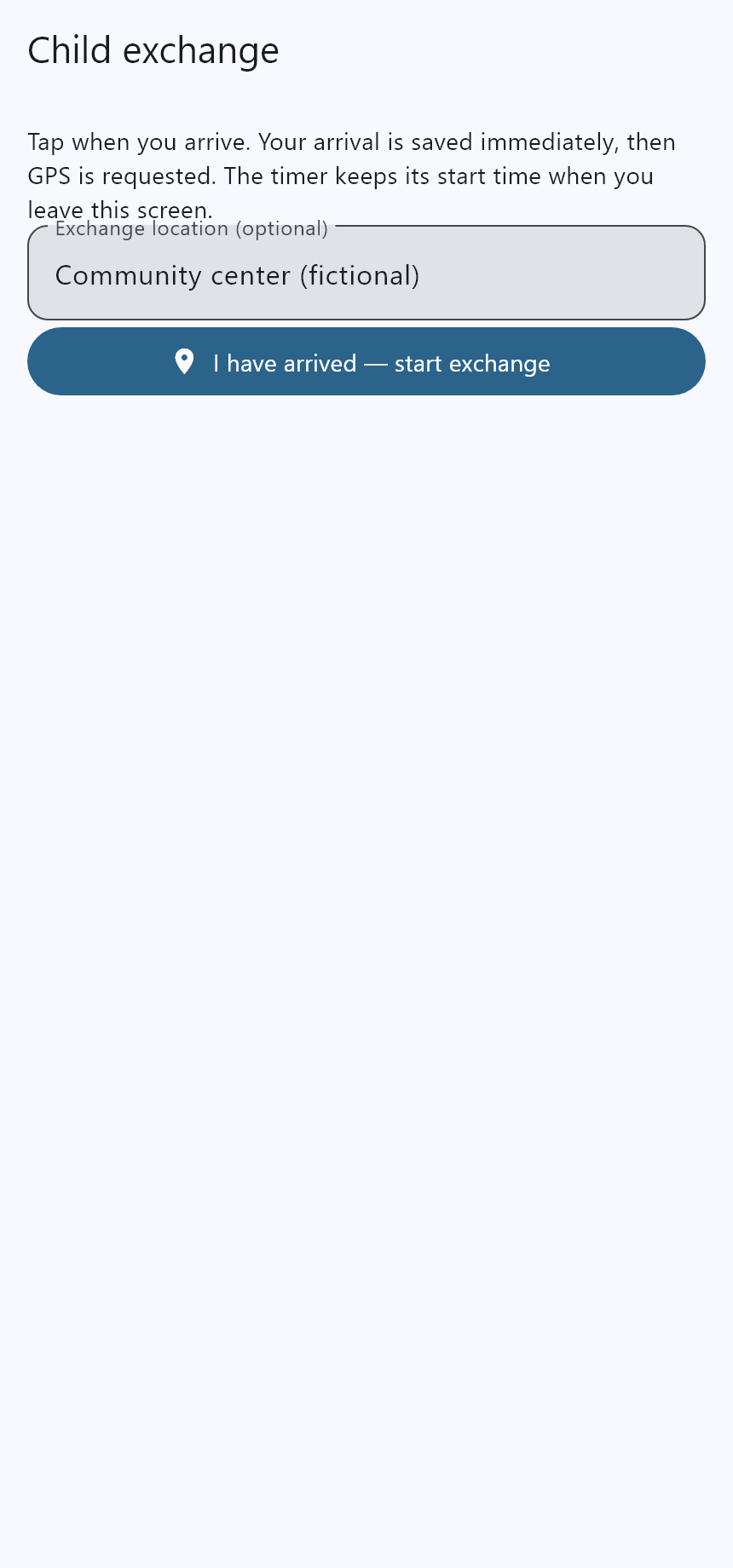
EXPLORE AN EXAMPLE
Parenting, incidents and everyday records can live together. Choose a use case to see how related entries stand out.
Interactive illustration with fictional records—not a live account or an app screenshot.
Keep your notes and supporting files connected. Use categories, tags and search in the app to find the details you need.
Record child exchanges, school involvement and appointments. The exchange tool keeps arrival details, elapsed time, saved notes and attachments together.
Document your account of unwanted contact, harassment, stalking or other incidents. Keep dates, context and original supporting files together.
Keep conversations, receipts, expenses and important paperwork in order. Add notes now so you can find the context later.
Showing all 6 example entries.
Arrived at 4:02 PM. Exchange completed at 4:19 PM. Saved an arrival location and notes.
Example attachments: 1 photoRecorded when the messages arrived and attached screenshots of the conversation.
Example attachments: 3 screenshotsSaved the invoice, payment date and a note about the work completed.
Example attachments: 1 receiptDiscussed the class project and recorded the agreed follow-up date.
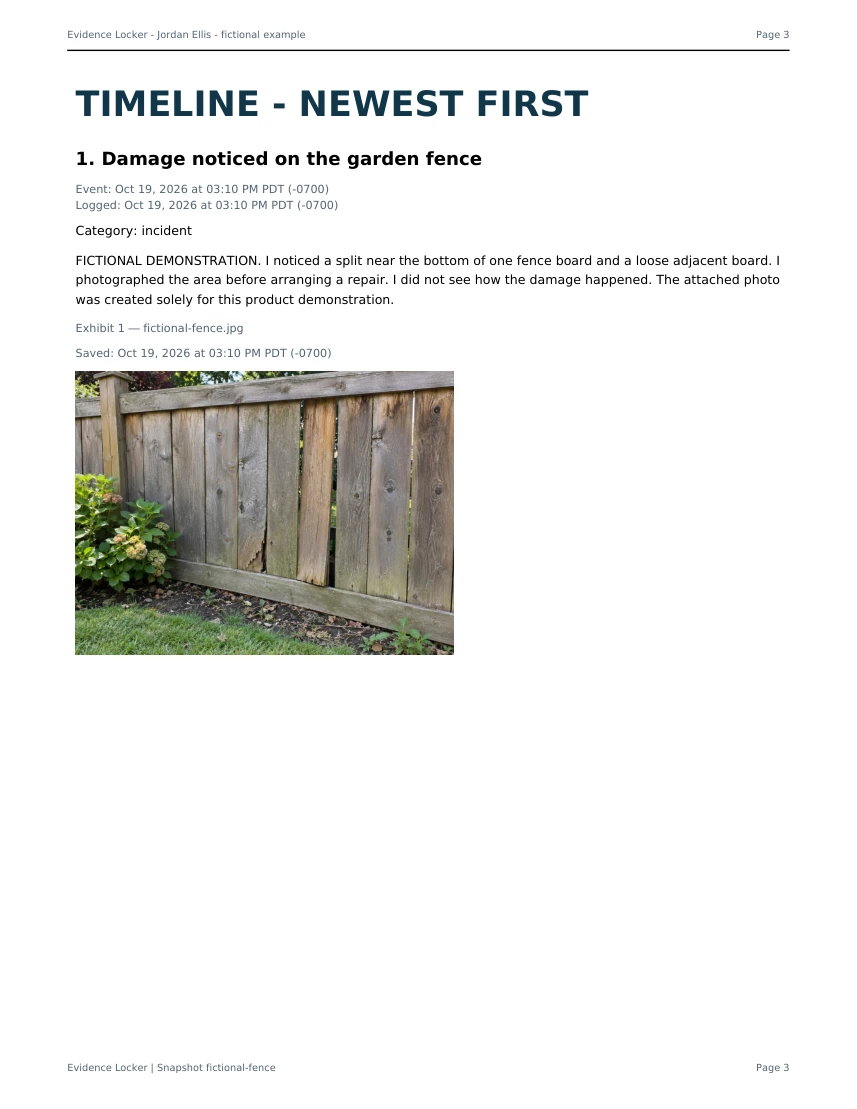
Example attachments: 1 documentPhotographed the damage and wrote down what I observed. I did not see how it happened.
Example attachments: 2 photosSaved the confirmation and the documents requested for the appointment.
Example attachments: 1 confirmationIn your account, choose specific entries or a date range for a PDF or Word report.
See a sample report ↓SEE WHAT YOU CAN SHARE
Bring the dates, notes and supporting images into one understandable timeline.
Large reports are prepared in the background. A shared link can show progress while the report finishes; anyone with the link can download it while sharing is enabled.
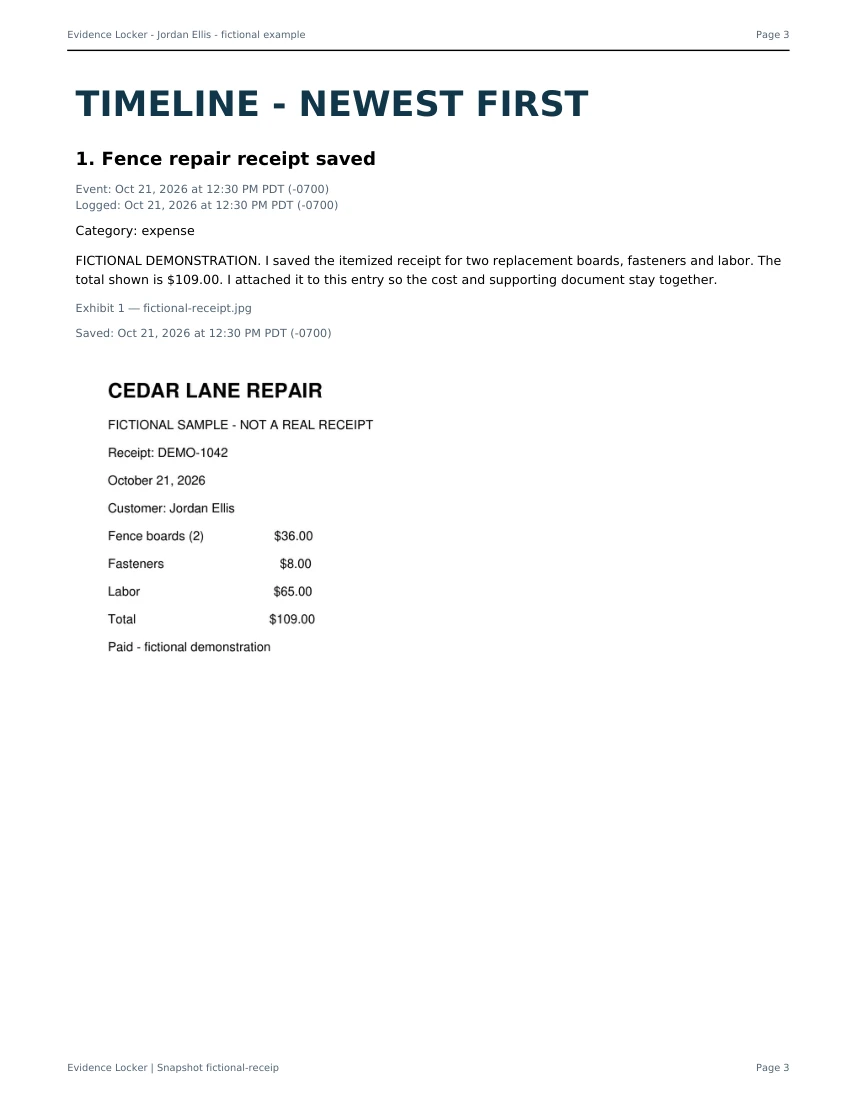
Open a sample PDF ↗These examples use fictional records, an illustrative photo and a sample receipt. No customer records are shown. Review reports before sharing; a timeline is not a court filing or independent verification of events.
YOUR PHONE AND YOUR COMPUTER
Capture on Android and review in the web portal. Sign in with the same account, enable two-way sync, and keep working across devices.
Original evidence photos are preserved. Thumbnails and report display images are optimized separately.
Check the last successful sync time or start a manual sync. Large attachments need time and a working connection.
Use optional app locking, review exports, and control report sharing. Read our privacy information before storing sensitive records.
Automatic sync needs to be enabled and the app active with connectivity. Offline changes upload when syncing resumes. The web portal also works in a mobile browser; there is no native iOS app yet.
YOUR RECORD. YOUR CHOICE TO SHARE.
Choose entries and original files to share with an approved attorney. Their browser workspace brings together a searchable timeline, activity view and reports. They can suggest changes; you decide what becomes part of your journal.
Sharing is off by default and uses a separate encrypted channel. Ordinary cloud sync remains a separate, server-readable service. Disconnecting stops new sharing, but does not recall earlier downloads.
Explore the attorney workspaceRequires the attorney-sharing app update. Account approval is not a certification of professional standing.
A SIMPLE START. A CLEAR CHOICE.
Choose monthly or annual billing in Google Play. Confirm your plan to start the trial; cancel before it ends to avoid the first charge.
MONTHLY
Flexibility, one month at a time.
Start your free trialANNUAL
One yearly payment for your ongoing record.
Start your free trialBoth plans include the Android app and web portal, organized entries and attachments, cloud syncing, timeline insights, and PDF and Word reports.
Purchase and manage your subscription through Google Play in the Android app. Subscriptions renew automatically unless canceled. Eligible new subscribers receive 14 days free, then their selected plan renews automatically unless canceled before the trial ends. Existing account trials retain their original terms. Local currency prices and applicable taxes are shown by Google Play before purchase; availability varies by country.
After your trial or subscription expires, existing entries remain readable and exportable. An active trial or subscription is required to add or edit records.
BEFORE YOU START
No. Use it for everyday records, incident documentation, unwanted contact, expenses, appointments and other events you need to organize. Parenting and child exchange tools are part of the app.
Create your account, choose a monthly or annual plan, and approve the trial in Google Play. Eligible new subscribers receive 14 days free, then are charged for their chosen plan unless canceled before the trial ends. Google Play shows the renewal price and first charge date before confirmation. Existing account trials retain their original terms.
Yes. Sign in with the same Google account or Evidence Locker email and password. Existing records appear after recovery and syncing complete. If you installed an older website APK, contact support before switching installation channels and do not uninstall unsynced records.
Download Evidence Locker from Google Play. Download the app, then create your account or sign in to start documenting. Google Play shows availability for your device and country.
Reports organize your information and supporting files. They do not independently verify events or guarantee court acceptance. Preserve original material and check the requirements that apply to your situation.
START WITH THE NEXT DETAIL.

14-day free trial for eligible new subscribers · Renews unless canceled
Then $14.99 USD/month or $129.99 USD/year
Already have an account? Open your web portal.